
Reminders: The Fine Print
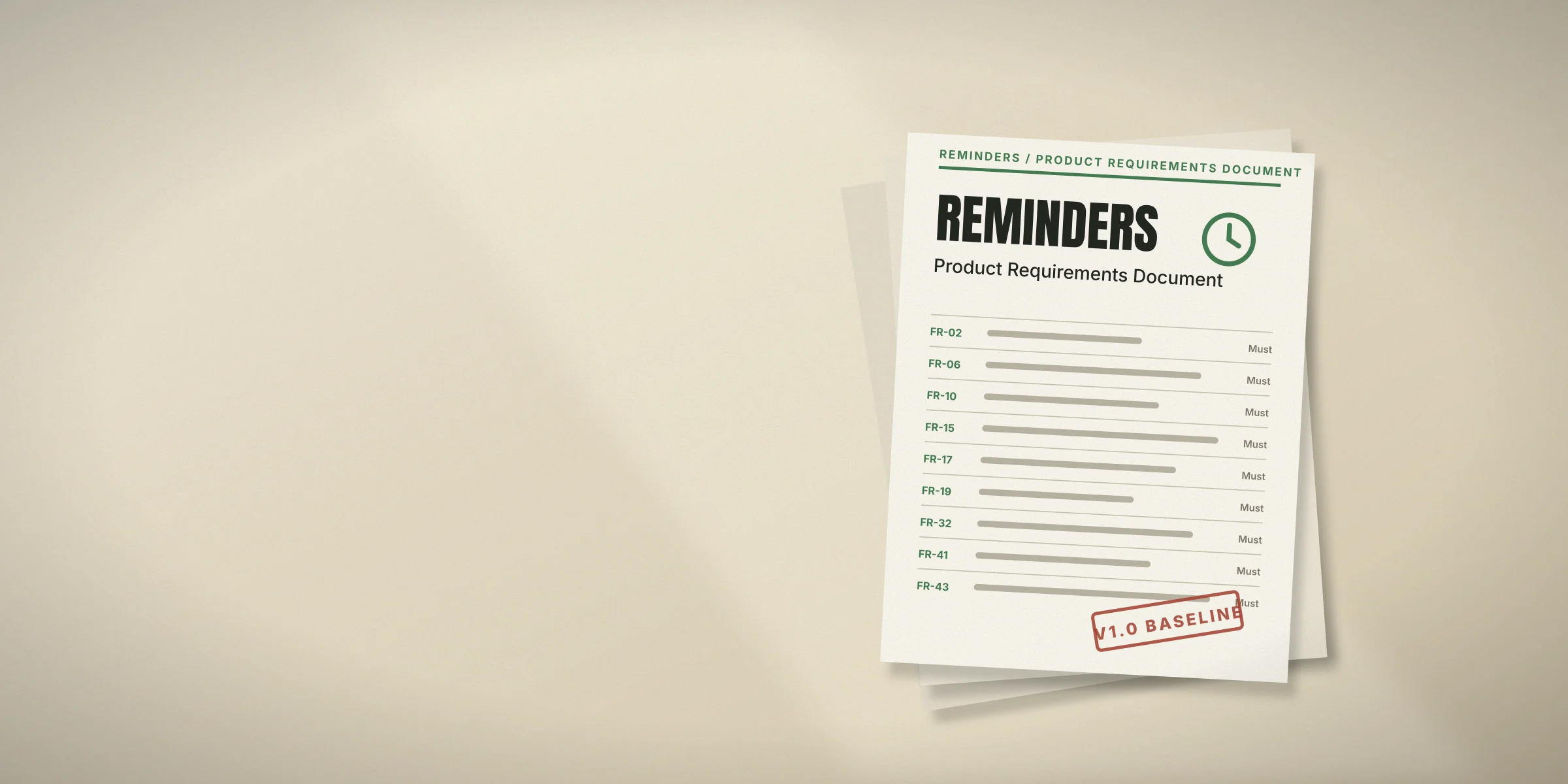
The detailed PRD for the WhatsApp Reminders concept. It covers 44 functional requirements, the creation and inbox flows, notifications and the less obvious situations that the feature needs to handle.
The project at a glance
- Problem
- People intend to come back to certain WhatsApp messages, but existing workarounds keep the message without bringing it back to their attention at the intended time.
- Approach
- Turning the Reminders concept into requirements: V1 scope, goals and non-goals, the core journey, edge cases, measurement and rollout.
- Proposed solution
- A reminder attached to an individual message, with a scheduled notification and a persistent Reminders inbox that keeps it after the notification is dismissed.
- Work produced
- A 21-page PRD with 44 functional requirements, edge-case requirements, a measurement framework and a phased rollout plan. This page is a condensed version.
- Status
- Independent product concept. Not shipped.
Product overview
Reminders lets a user attach one scheduled date and time to an individual WhatsApp message. When the reminder becomes due, the user gets a notification if their settings allow it. The message then stays in a dedicated cross-chat inbox after the notification is dismissed or delivered, so the user can return to the original conversation, reschedule or delete the reminder.
The inbox is the key part of the concept. A notification can bring a message back at the selected time, but the reminder should not disappear just because the user dismissed the notification or could not act on it straight away.
Assumption
Hypothesis: if users can schedule a reminder directly on a WhatsApp message and later find it in a persistent inbox, they may be more likely to return to messages they intended to act on, without relying on memory or moving the task somewhere else.
This is a hypothesis to test. The research establishes an initial problem signal within a narrow sample; it does not prove that the solution will improve follow-through or win broad adoption.
V1 scope
Android only. Other platforms are outside this PRD.
Creation: long-press one eligible message and choose the Reminders action from the message-selection toolbar.
Scheduling: a custom date and time on a single picker with three rollers for date, hour and minute.
One active reminder per message. Creating another on the same message replaces the existing schedule.
A persistent Reminders shortcut in the Chats home-screen header opens the inbox.
The reminder stays in the inbox after its notification is delivered, dismissed or unavailable.
Actions: open the source message, reschedule or delete the reminder.
What the feature is not
It is not a general bookmark or read-it-later inbox, not a shared task manager for groups, not a replacement for a full task-management product, and not a completion tracker. V1 has no Done state, no snooze and no completed-reminder history.
Problem statement
People receive WhatsApp messages they intend to reply to or act on later, but they cannot always deal with them immediately. Existing workarounds can preserve or flag a message, yet still rely on the user remembering to revisit it. The gap is not where to store a message. It is how to bring that specific message back to the user's attention at the intended time.
Direct observation
I ran into this while juggling an internship at Kotak811, college, E-Cell responsibilities and an internship search. I starred, pinned, screenshotted and forwarded messages to myself, or just left them unread. Each workaround kept something, but none reliably brought the original message back when I needed it.
What the survey says, and what it does not
Survey findings
I shared a short questionnaire with 36 friends and colleagues aged 21 to 28 who use WhatsApp heavily. The results are self-reported and directional, from a convenience sample rather than a representative one.
Finding | Responses |
|---|---|
Receive messages that need later action several times a week | 27 of 36 (75.0%) |
Forgot or significantly delayed at least one follow-up in the past 30 days | 33 of 36 (91.7%) |
Usually leave a message unread when unable to act immediately | 29 of 36 (80.6%) |
Selected distraction from other messages or tasks as a difficulty | 21 of 36 (58.3%) |
Have ever used a separate app for a task that started in WhatsApp | 13 of 36 (36.1%) |
Counter-signal: generally did not have difficulty following up | 6 of 36 (16.7%) |
The survey suggests that messages needing later action, and forgotten or delayed follow-ups, are familiar within this group. It does not show that every WhatsApp user has the problem, that it is more common among younger users, or that people would adopt Reminders. It also does not measure real usage or task completion.
Goals, non-goals and principles
Goals
Schedule a reminder directly from an eligible message.
Keep every reminder visible in one cross-chat inbox after its notification has been delivered, dismissed or suppressed.
Keep a live reference to the original message and its conversation, subject to normal access and expiry rules.
Make overdue reminders easy to spot and reschedule.
Let users decide when a reminder is removed, without implying that the task is complete.
Measure whether users return to the original message, and whether the experience is reliable enough for a wider release.
Non-goals for V1
Shared group task lists and assignment, a general saved-items system, multiple reminders on one message, bulk creation, snooze, Done or completion history, preset shortcuts such as Later today, an overdue-only inbox, and preserving disappearing or view-once content beyond its normal lifecycle.
Principles
Principle | What it means for the product |
|---|---|
Keep the original context | A reminder points back to the message; it is not a disconnected note. |
A dismissed notification must not erase intent | The inbox keeps the reminder until the user deletes it. |
Keep the user in control | No automatic completion. Deleting means the reminder is no longer wanted, not that the task is done. |
Avoid unnecessary task states | No Done, snooze or completed history in V1. |
Use familiar WhatsApp interactions | Long press, the message-selection toolbar and an existing home-screen entry point. |
Make overdue status actionable | The overdue alarm indicator opens the rescheduling picker directly. |
Respect privacy and message rules | Never bypass chat locks, view-once restrictions or disappearing-message expiry. |
The core journey
Create: long-press one eligible message, tap the alarm action to the left of Reply, choose a future date and time on the roller picker and confirm. The reminder appears in the inbox.
Open the inbox: tap the Reminders shortcut in the Chats header. It opens the inbox; it never starts creating a reminder.
From a notification: tapping a due notification opens the inbox and briefly highlights the relevant entry.
Open the source: tap the card or its source arrow to jump to the original message. Coming back restores the inbox scroll position.
Reschedule: tap the alarm indicator beside an overdue reminder to open the same picker. Saving clears the overdue state.
Delete: remove one reminder or select several. Only the reminders are removed, never the messages, and bulk deletion offers Undo for five seconds.
Unavailable source: if the original message can no longer be opened, the reminder stays with a placeholder or explanation and source navigation is disabled.
Selected requirements
The PRD has 44 functional requirements. These are a few that shape the experience most; the PDF has all of them.
ID | Requirement |
|---|---|
FR-02 | The selection toolbar shows an alarm action immediately to the left of Reply when exactly one eligible message is selected. |
FR-06 | Past dates are disabled, and past times are disabled when Today is selected. |
FR-10 | Only one active reminder per message. Creating again replaces the schedule without a duplicate inbox entry. |
FR-15 | Reminders from archived chats do not notify, but still become overdue and stay in the inbox. |
FR-17 | If the device is off at the due time, the reminder is marked overdue after restart, with no late notification. |
FR-19 | The Chats header shows Payments, Reminders, Camera, with Reminders immediately to the left of Camera. |
FR-32 | The Reminders shortcut shows a red badge counting overdue reminders not yet seen in the inbox. |
FR-41 | Reminders on disappearing messages keep the entry but replace expired content with a placeholder. |
FR-43 | Reminders cannot be created for messages in locked chats. |
Edge cases and system behaviour
The reminder record and the notification are separate things. A reminder can be upcoming, due or overdue, while its notification may have been delivered, suppressed by settings or missed because the phone was off. The inbox is the source of truth for active reminders, and normal message access rules still apply.
Condition | Notification | Reminder |
|---|---|---|
Notifications on, chat eligible | Posted at the due time | Stays in the inbox and becomes overdue if not rescheduled or deleted |
Muted chat | Follows the mute preference | Stays in the inbox and becomes overdue normally |
Archived chat | Not posted | Stays in the inbox, becomes overdue and can count towards the badge |
System notifications off | Not posted; an in-app notice appears inside the inbox | Stays in the inbox and becomes overdue |
Device off at the due time | No late notification after restart | Marked overdue after restart |
How success would be measured
The primary metric is Reminder Follow-through Rate: the share of eligible reminders after which the user opens the original source message within 24 hours of the scheduled time. Opening the inbox or tapping a notification does not count. It is a proxy for returning to the message, not proof that the task was done.
Follow-through rate | Proposed response |
|---|---|
Below 20% (below T1) | Do not expand. Investigate discovery, timing, notification and inbox friction, and stop the approach if it stays low. |
20% to below 40% (between T1 and T2) | Keep the core stable, find the biggest friction points and test focused changes. |
40% or higher (at or above T2) | Consider gradual expansion, provided the guardrails stay healthy. |
The 20% and 40% thresholds are proposed hypotheses, not external benchmarks and not findings from the survey. Supporting metrics cover discovery, repeat use, creation friction, engagement and inbox health. Guardrails cover notification reliability, duplicate reminders, notification opt-outs, stability and battery, and any privacy or access-control violation is a release blocker. Analytics never log message text, media, contact names, phone numbers or group names.
Rollout
Pre-release validation across supported Android configurations, covering scheduling, notifications, restarts, linked devices, every message lifecycle case and the analytics events.
A limited Android pilot, proposed to run for four weeks so it captures repeated use rather than first impressions.
Pilot evaluation against T1 and T2, only with enough eligible activity and a complete observation window. A good primary metric never overrides a failed privacy or reliability guardrail.
Gradual expansion in stages, pausing if reliability, privacy or user-impact signals get worse, with a defined rollback plan so existing reminders are not lost.
Open questions
Some decisions are deliberately carried into the implementation backlog rather than hidden as assumptions:
What happens to a reminder when the user changes timezone, the device clock or daylight-saving settings?
How should linked devices decide which one posts a notification, and how are duplicates and conflicts avoided?
What minimum pilot volume is needed for T1 and T2 to mean anything?
What is the rollback behaviour for reminders that already exist?
What is the final disabled state and copy for locked chats?
Should single-item deletion also offer Undo?
Research sources
These informed discovery and product context. They are not evidence that the proposed experience has been validated, and Jatin Jakhar's separate survey is not combined with my 36 responses.
From Chatting to Organizing: WhatsApp's Reminders, Jatin Jakhar
Remind me function disappeared, r/whatsapp, Aug 2025
WhatsApp beta for Android 2.25.21.14, WABetaInfo, Jul 2025
Effects of delay and reminders on time-based prospective memory in a naturalistic task, Black and McBride, 2024
Why is instant messaging not instant?, Li, Zhang and Ao, 2023
Exploring Email Triage: Challenges and Opportunities, Microsoft Research and CHIIR, 2019
The full PRD, including every requirement, the instrumentation events and the appendices, is available as a PDF download.